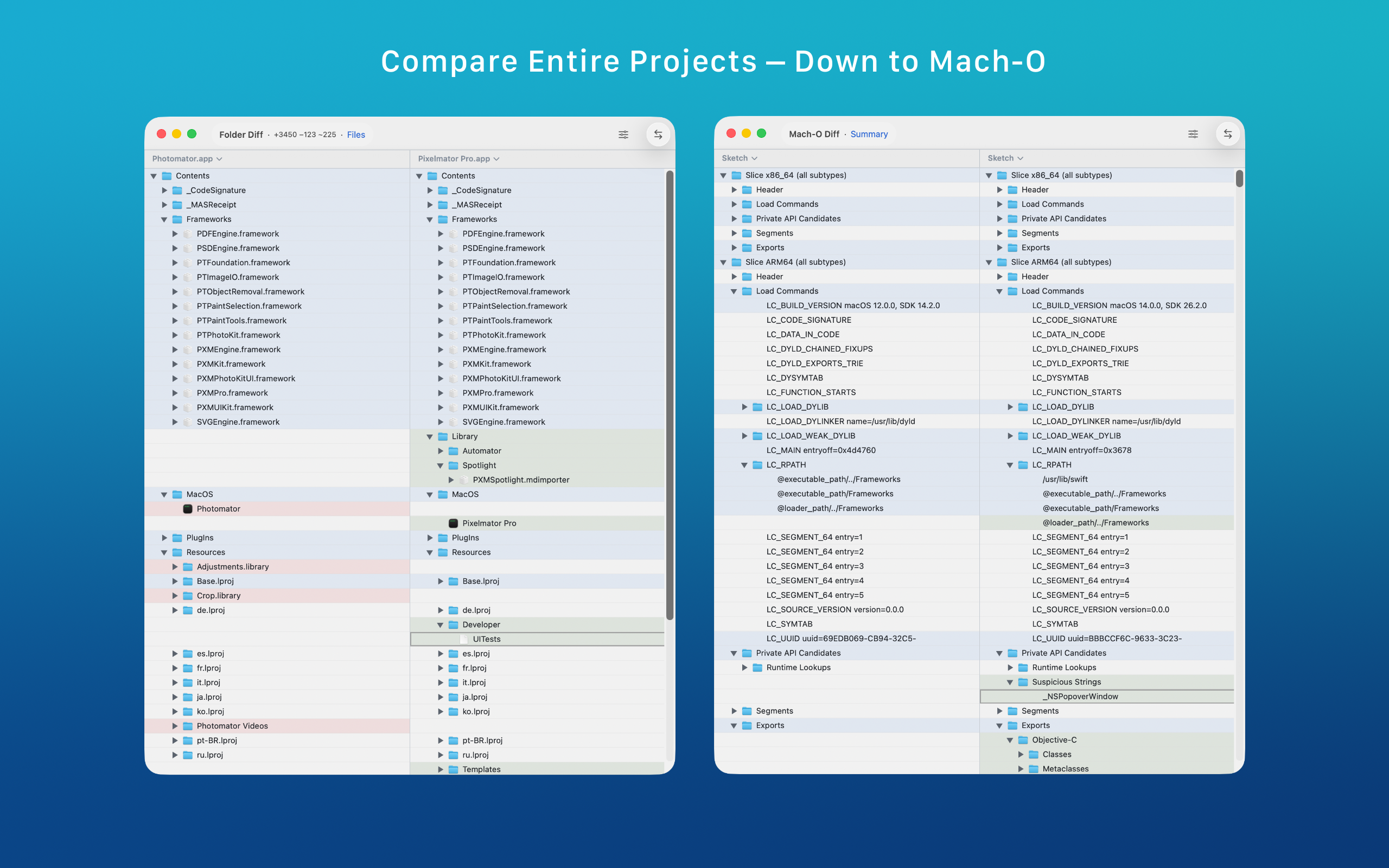
Project tree review

Folder Compare Tool for macOS

ABDiff compares folders on macOS by aligning entries on relative path, highlighting added, removed, and modified items, and letting you copy selected files or folders between sides.

It is useful when you need to review a real project tree, compare generated assets, or move selected changes across directories without treating the comparison like a toy example.

  • Relative path alignment
  • Change navigation
  • Copy left and right
  • Ignore patterns
  • Hidden file filters
ABDiff folder comparison view on macOS
ABDiff folder comparison view

Good use cases

  • Comparing two working directories or build outputs.
  • Reviewing generated assets or exported bundles before shipping.
  • Inspecting changes across nested project trees with keyboard navigation.
  • Copying only the selected files or folders to the target side.

What makes it practical

  • Tree rows line up on relative path instead of raw directory order.
  • Changed folders can be expanded selectively so you do not lose context.
  • Ignore patterns and hidden file filters help suppress noise.
  • Copy and trash actions keep the workflow inside the comparison UI.

Folder comparison workflow

Need ABDiff behavior
See what changed across two trees Added, removed, and modified rows are highlighted while missing entries stay visible as blanks on the other side.
Drill into nested changes Folders expand and collapse like a tree, and change navigation can jump across modified entries.
Copy selected items across Use menu actions or keyboard shortcuts to copy the selected files or folders left or right.
Reduce comparison noise Use ignore patterns and hidden-file filtering to focus on the differences that matter.

Related pages