Settings
Open settings from ABDiff ▸ Settings… (or
⌘,).
Folder Access
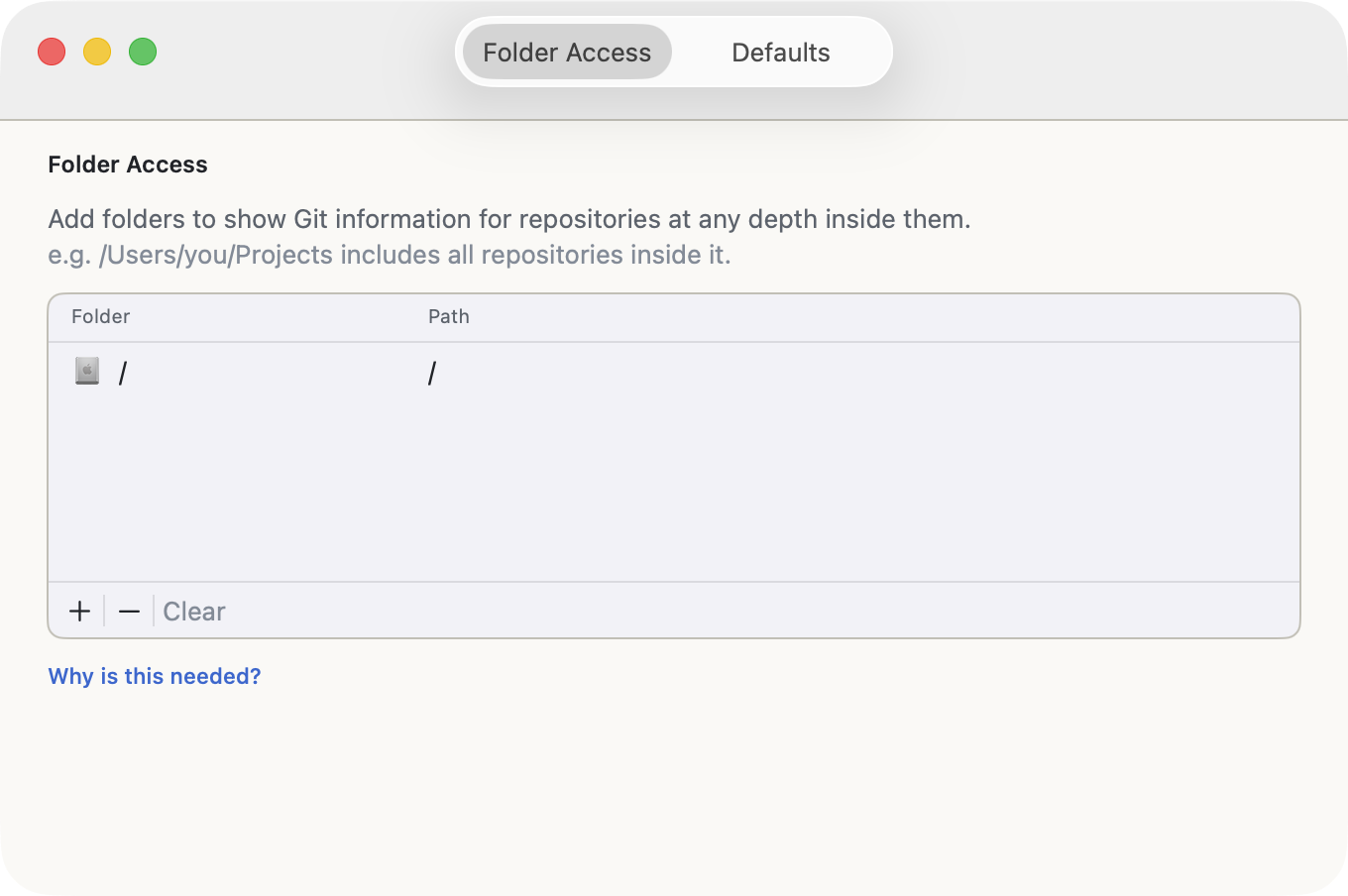
All App Store applications need explicit permission to access files
on your disk. Opening or dragging a file only gives access to that file,
but repository information usually lives elsewhere, in the
.git folder at the root of the repository. That is why
ABDiff needs permission in advance. If you have multiple repositories,
you can save time by adding a parent folder that contains all of
them.
Note that this application does not collect telemetry of any kind and does not communicate with any backend server. Your files and repository are accessed locally and won’t leave your computer.
Defaults
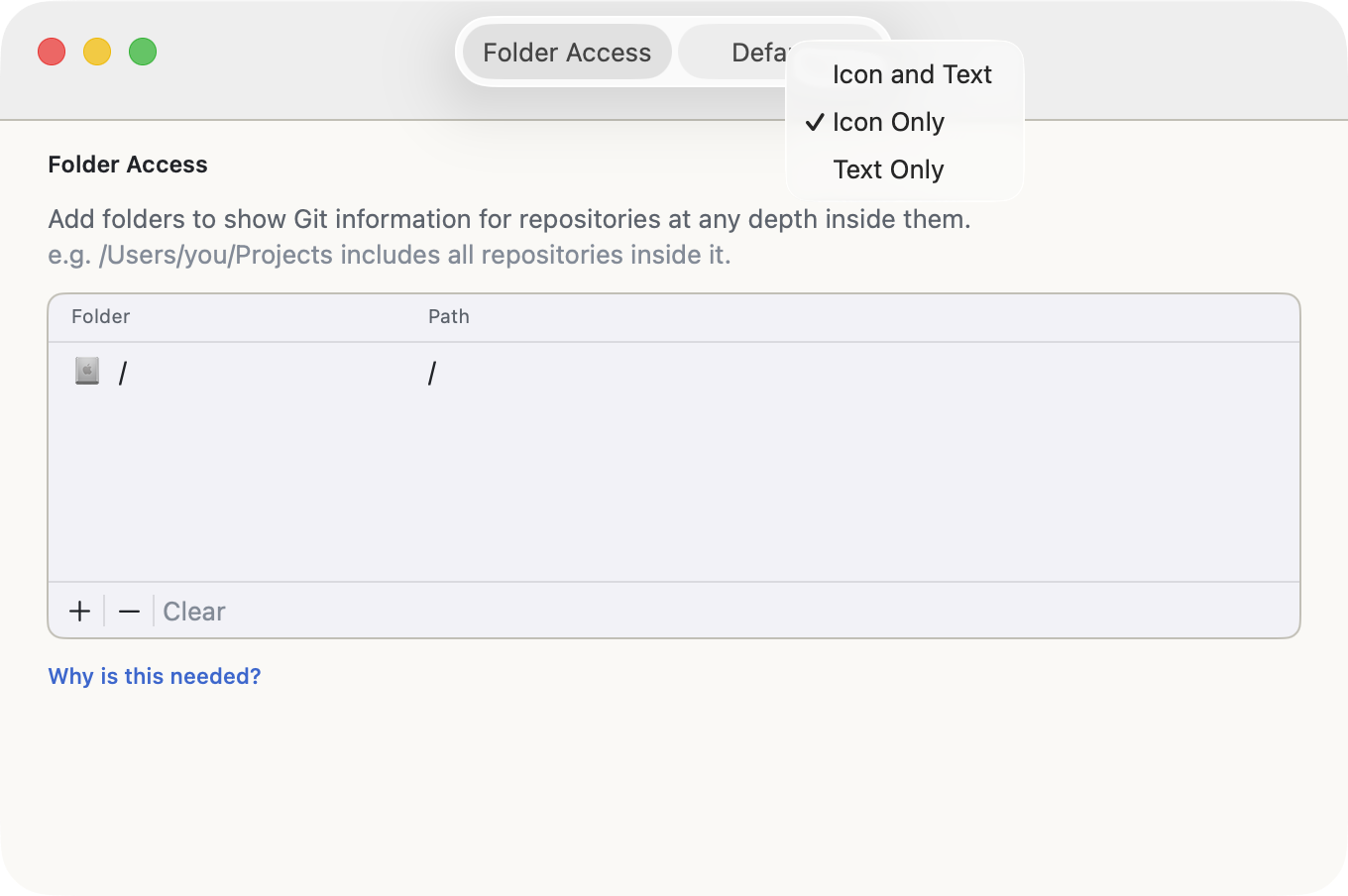
Defaults apply to new comparison sessions:
- Appearance: Sets light or dark mode independently of the system setting. If you frequently compare images, dark mode usually works better. See Appearance and Image Inspection.
Image Comparisons:
- Default image zoom mode
- Actual Size (1:1)
- Fill Window
- Fit to Window (Auto)
Text Comparisons:
- Show minimap by default: Opens text comparisons with the minimap visible.
- Semantic line splitting by default: Decides how
text is split into lines before comparison. In particular, it removes
the synthetic empty last line that appears when a file ends with
\n, to match diff-style line semantics. This affects only how the diff is computed and displayed; it does not modify file contents. - Group highlights across whitespace: When enabled, adjacent changed words separated by one space are highlighted as a single continuous span. When disabled, highlights use strict per-word ranges. This setting only changes presentation.
- Skip diff when files are too different: Avoids expensive text comparisons when files fall below a similarity threshold. Some files diverge so much that representing their relationship as a sequence of change operations is no longer meaningful.